INCY
Requires iOS 15 or higher. The whole setup takes less than two minutes.
Download the App
Tip
Install INCY from the App Store.
Open in App StoreApp Setup
Step 1. Add the Key
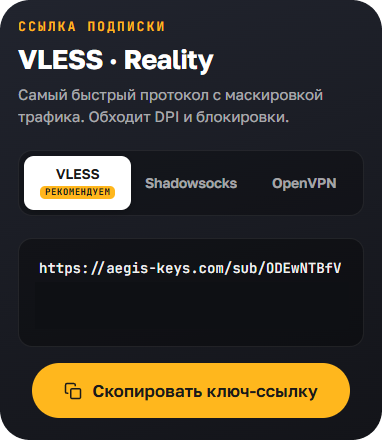
- In your dashboard, copy the key link
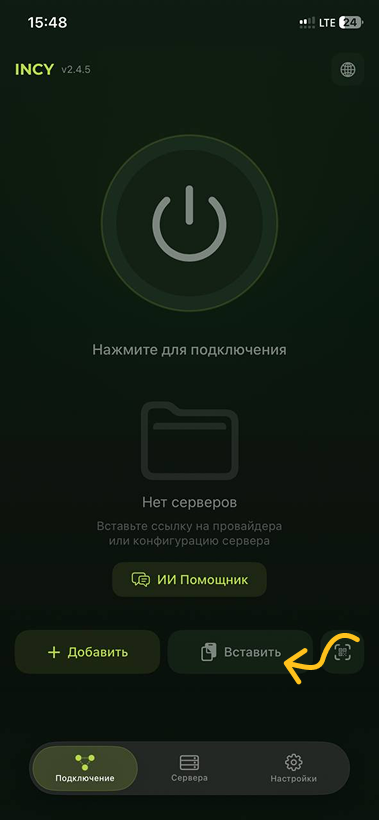
- On the INCY main screen, tap "Paste"
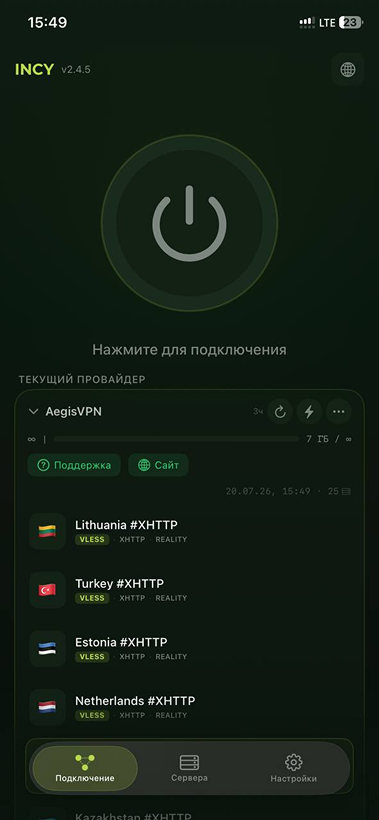
Done! A list of all servers appears.
Step 2. Connect
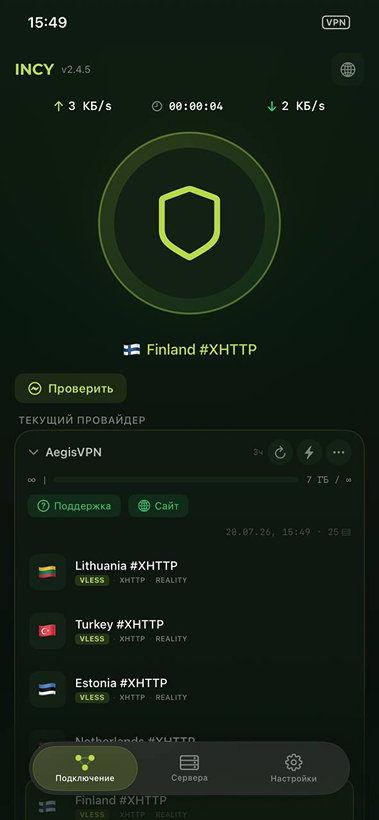
- Choose the server you need, for example Finland #XHTTP
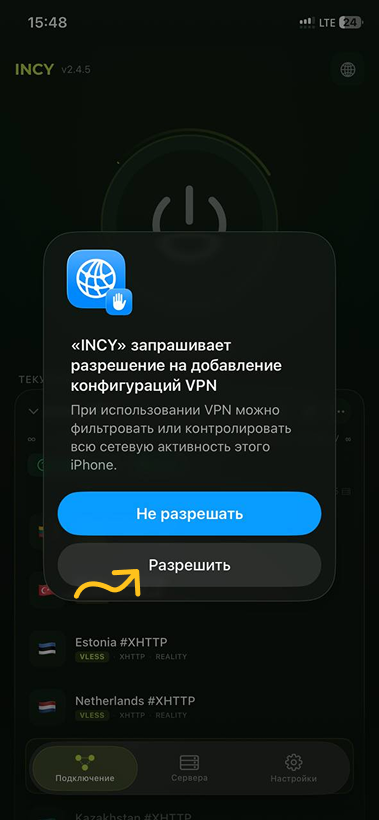
- Tap the connect button
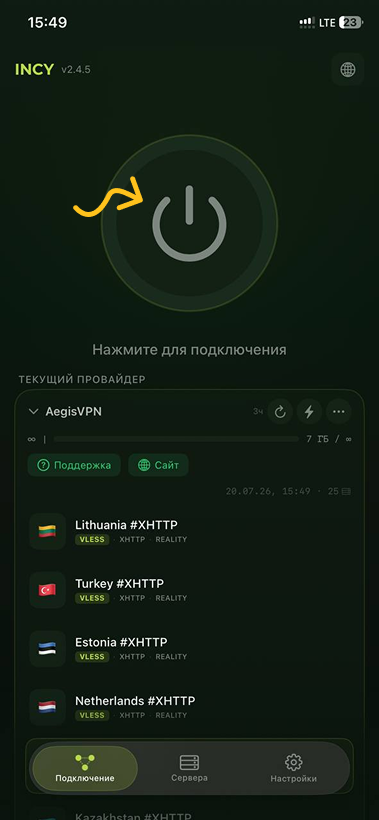
The app will ask for permission — tap "Allow".
Congratulations! You're all set.
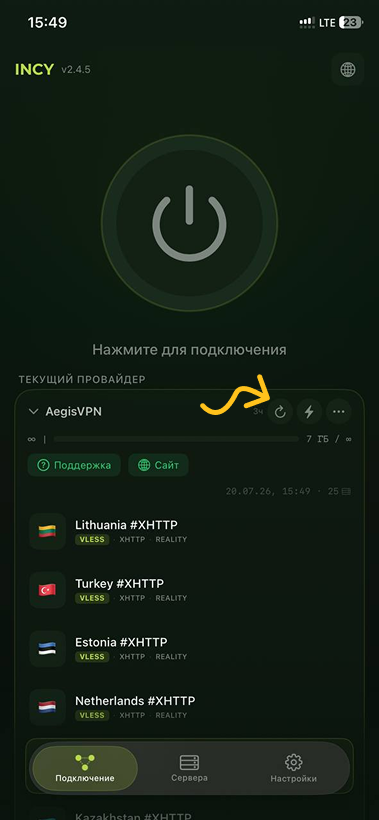
When and How to Update the Subscription
You don't need to do this now — it only matters if we change servers or plan parameters. You can update it right in the app.
Conclusion
You're now ready to use INCY for safe and anonymous browsing. If you have any questions or issues, please contact support.